
⚡ Path of Exile 2: Major Expansion Confirmed for December 11, 2026
Announced during the Gamescom 2026 Opening Night Live, the new major expansion for Path of Exile 2 will launch on December 11, 2026 — just in time for the holiday season. If you are starting the game today, this guide will give you everything you need to approach this update confidently, as it is shaping up to be the biggest one since Early Access.
Path of Exile Steam: Beginner’s Guide 2026
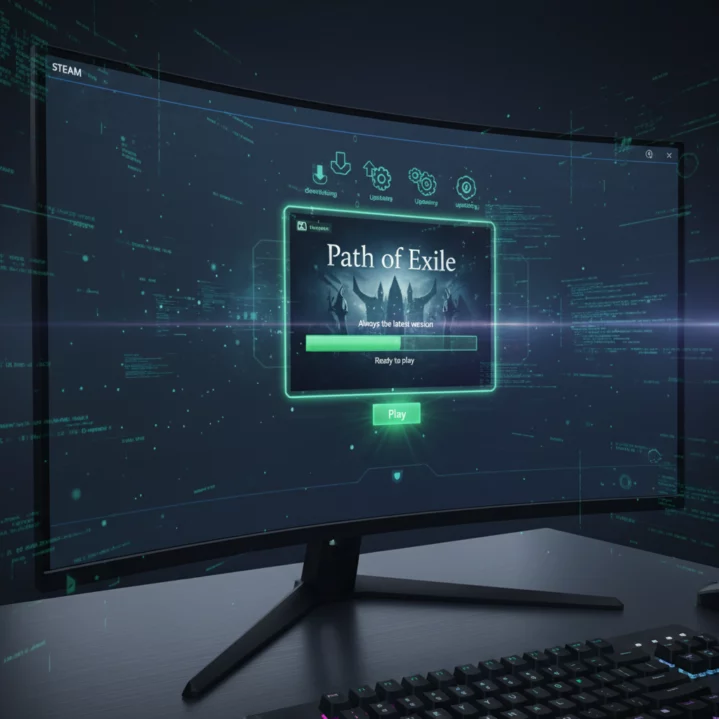
Open Steam, go to the game’s official page on the Steam store and click “Play Game.” Installation is handled entirely by the Steam client, which also manages automatic updates with every new patch — no need to check versions manually.
Linking or Creating an Existing GGG Account
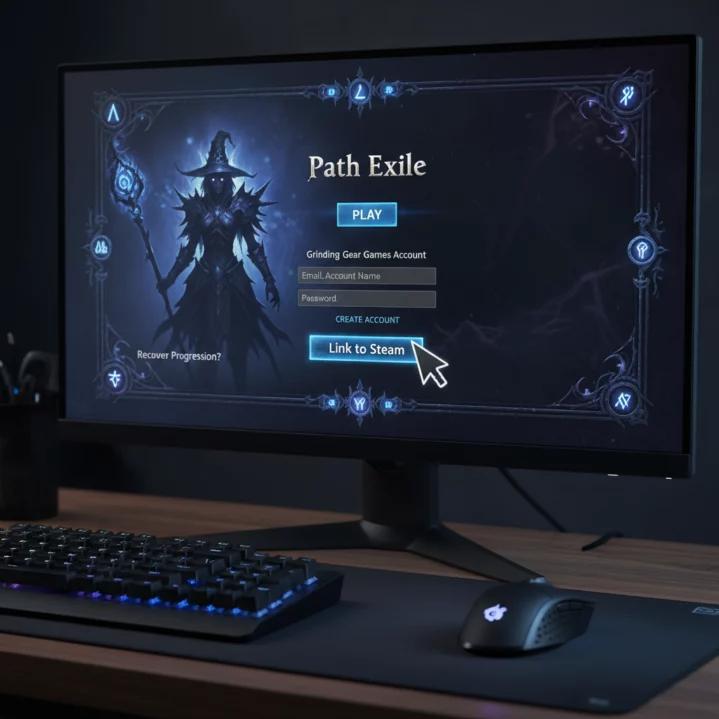
When you launch Path of Exile for the first time, you will be asked to sign in to your Grinding Gear Games (GGG) account or create one. If you have already played the standalone client, link your official GGG account to Steam to recover your characters, stash tabs and microtransactions. This link is permanent and cannot be undone — make sure you associate the correct account.
What PC Setup Do You Need to Play Path of Exile?
(Information based on Grinding Gear Games’ official specifications)
| Component | Minimum | Recommended |
|---|---|---|
| OS | Windows 7 SP1 64-bit | Windows 10/11 64-bit |
| CPU | Intel Core i5 (4 cores) | Intel Core i7 / Ryzen 5 or better |
| RAM | 8 GB | 16 GB |
| GPU | NVIDIA GTX 650 Ti / AMD R7 265 | NVIDIA GTX 1070 / AMD RX 5700 |
| Storage | 40 GB (HDD) | 40 GB (SSD strongly recommended) |
| DirectX | Version 11 | Version 12 |
Path of Exile: Steam or Standalone Client—which Should You Choose?
The game content is exactly the same in both versions (according to the official forum) — same servers, same patches and same content. The difference lies in the additional services: Steam provides automatic update management, the overlay, a friends list and an integrated wallet. The standalone client can sometimes receive micro-patches a few minutes before Steam. Both versions allow you to link the same GGG account and switch freely between them.
Optimizing Your Gaming Experience
Essential Graphics Settings
Path of Exile can be demanding on modest systems, particularly in dense areas or during boss fights with numerous on-screen effects. These adjustments offer the best performance-to-quality ratio:
- Texture Quality: Lowering it to “Medium” frees up a significant amount of VRAM.
- Shadow Quality: Lowering it to the minimum provides the most immediate FPS gain.
- Global Illumination: Disable it if your GPU struggles in towns or dense maps.
- Particle Quality: Lowering it helps significantly during busy multiplayer fights.
Advanced Options for Stable FPS
Enable Engine Multithreading in the advanced options — it uses your CPU’s additional cores and is particularly effective on modern processors. Dynamic Resolution maintains a consistent target framerate by adjusting visual quality in real time. Avoid VSync if you have a G-Sync or FreeSync monitor — prefer these technologies over native VSync to reduce latency.
Managing Shaders and the Cache
Shaders are compiled the first time you encounter a visual effect or area. This causes normal initial micro-stutters. If the stutters continue after several sessions, clear the shader cache through the game’s options. An SSD significantly speeds up this compilation during startup.
Reducing Lag in Path of Exile on Steam
In the network options, choose Predictive mode if your connection is unstable — it anticipates actions locally before receiving server confirmation. Lockstep mode guarantees perfect synchronization but requires a particularly stable connection. Always select the geographically closest server and favor a wired Ethernet connection over Wi-Fi.
Advantages and Features of the Steam Version
Steam Integration and Convenience
- Steam friends list directly accessible in-game.
- Steam overlay (browser, chat) without leaving PoE.
- Steam achievements synchronized with your progress.
- Automatic updates without manual intervention.
- Integrated Steam screenshots and broadcasting.
Microtransactions Through the Steam Wallet
Purchases of Points (PoE’s premium currency) can be charged directly to your Steam wallet, without entering new payment details. It is the most convenient way to buy cosmetics, stash tabs or supporter packs. Prices are generally aligned with those on the official Grinding Gear Games website.
Steam vs. Standalone: Quick Comparison
| Criterion | Steam Client | Standalone Client |
|---|---|---|
| Game content | Identical | Identical |
| Servers | Shared | Shared |
| Updates | Automatic via Steam | Manual or automatic via the GGG launcher |
| Micro-patches | Sometimes slightly later | Often slightly faster |
| Payment | Steam wallet | GGG website (credit card, PayPal…) |
| Overlay / Friends list | Yes (Steam) | No (GGG only) |
| Performance | Comparable | Comparable |
Essential Tips for New Exiles
Choosing Your First Ascendancy
Your starting class has little impact — it is the Ascendancy (unlocked after the Labyrinth) that truly defines your playstyle. For a first playthrough, two Ascendancies are particularly suitable for beginners:
- Juggernaut (Marauder): Toughness, survivability and room for mistakes. Ideal for learning the mechanics without dying constantly.
- Hierophant (Templar): Totem builds that play for you — less stressful and good for learning the game at your own pace.
Look for “League Starter” guides on the official forums or YouTube for proven builds using accessible gear.
Understanding the Passive Tree
PoE’s passive tree contains more than 1,300 nodes — do not try to understand everything from the start. Follow a path toward the major passives that strengthen your main skill. Always prioritize Life nodes (or Energy Shield, depending on the build) to ensure your survival during the campaign. Use Path of Building (PoB) — an essential free tool for simulating your tree, planning your items and calculating your damage before you even play.
Managing Your Inventory and Currency
PoE does not use gold: its currency consists of orbs with specific crafting functions. The most important ones to know at the beginning are:
- Orb of Alteration: Changes the properties of a magic item.
- Chaos Orb: The main currency for trading between players.
- Exalted Orb / Divine Orb: Rare currencies for high-level items.
Install a loot filter (Neversink’s Loot Filter via FilterBlade is the definitive reference) from the beginning — it hides useless items and highlights valuable drops, saving you considerable time every session.
Challenge Leagues and Endgame Content
PoE refreshes itself roughly every three months with a new league (see the official patch notes) that introduces new mechanics. The real heart of the game begins after the campaign: the Atlas, a system of procedurally generated maps with varied modifiers, unique bosses and practically endless optimization depth. This is where most players spend the majority of their time.
Is Path of Exile Worth Playing in 2026?
The answer is a resounding yes. In 2026, Path of Exile is more polished, rich and stable than ever. Although its learning curve can still seem intimidating to newcomers, the abundance of exceptional community guides and Grinding Gear Games’ ongoing quality-of-life improvements have made the game more accessible than it was at launch. With exemplary support (major free updates every quarter) and a thriving economy, PoE remains the essential Hack & Slash for anyone seeking limitless customization, epic combat and a challenge worthy of their time investment.
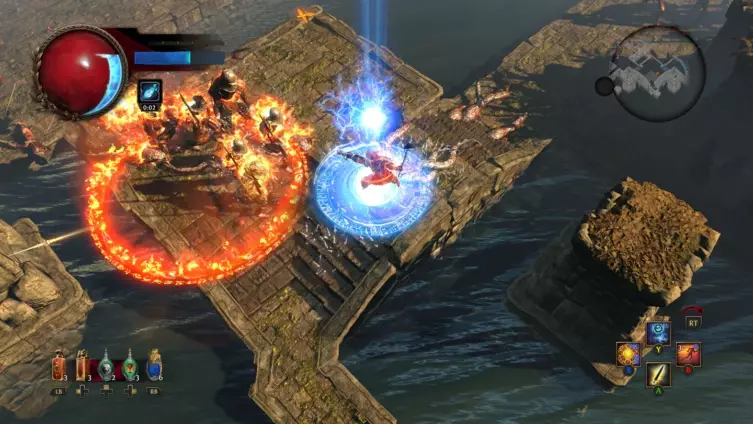
Final Verdict
✓ Strengths
- In our view, one of the best free-to-play Hack & Slashes available — no pay-to-win.
- Unique build depth: passive tree, Ascendancies and skill gems.
- Practically endless endgame content thanks to the Atlas and leagues.
- Convenient Steam version: automatic updates, integrated wallet and overlay.
- Challenge leagues every three months — the experience always stays fresh.
- Highly active community with abundant resources (PoE Wiki, guides, PoB).
✗ Points to Consider
- Very steep learning curve — can discourage beginners without a guide.
- Variable performance on modest systems during dense maps.
- Stash tabs are almost essential but cost money — plan for a cosmetic investment.
Our verdict — 9 / 10
In our view, Path of Exile on Steam remains one of the leading free-to-play Hack & Slashes in 2026. Its accessibility through Steam removes the last barriers to entry, while the depth of its systems continues to fascinate thousands of players league after league. If you have only played one ARPG in your life, make it PoE.
FAQ — Path of Exile Steam
Do you need to buy expansions to play Path of Exile?
No. PoE is completely free — expansions, leagues and major content are included. Only cosmetics and additional stash tabs cost money.
Can you change your build during the game?
Yes, partially. Orbs of Regret let you reclaim passive points, but a complete overhaul remains costly in currency. For a radical change, creating a new character is often more effective.
What is the difference between Standard and Challenge leagues?
The Standard league is permanent — your characters remain there indefinitely. Challenge leagues last about three months and introduce new mechanics. At the end, characters and items move to Standard.
Is it better to play through Steam or with the standalone client?
The content is identical on both sides. Steam is more convenient (automatic updates, wallet and overlay). The standalone client may receive micro-patches slightly earlier. Both use the same GGG account.