Can't access your Roblox account anymore, have you forgotten your password, or do you think someone has taken control of your profile? Start by using Roblox's official recovery tools, then secure your device and account before resuming your activities. If the email address has been changed or automatic recovery fails, Roblox Support may try to verify that you are the original owner.
In short: if you have simply forgotten your password, use the official Forgot Password or Username? feature. If your Roblox account has been hacked, first remove suspicious extensions or software, scan your device, reset your password, and then enable two-step verification. If you can no longer recover the account automatically, contact Roblox Support with information that can help verify ownership.
Forgotten Roblox password: how do you reset it?
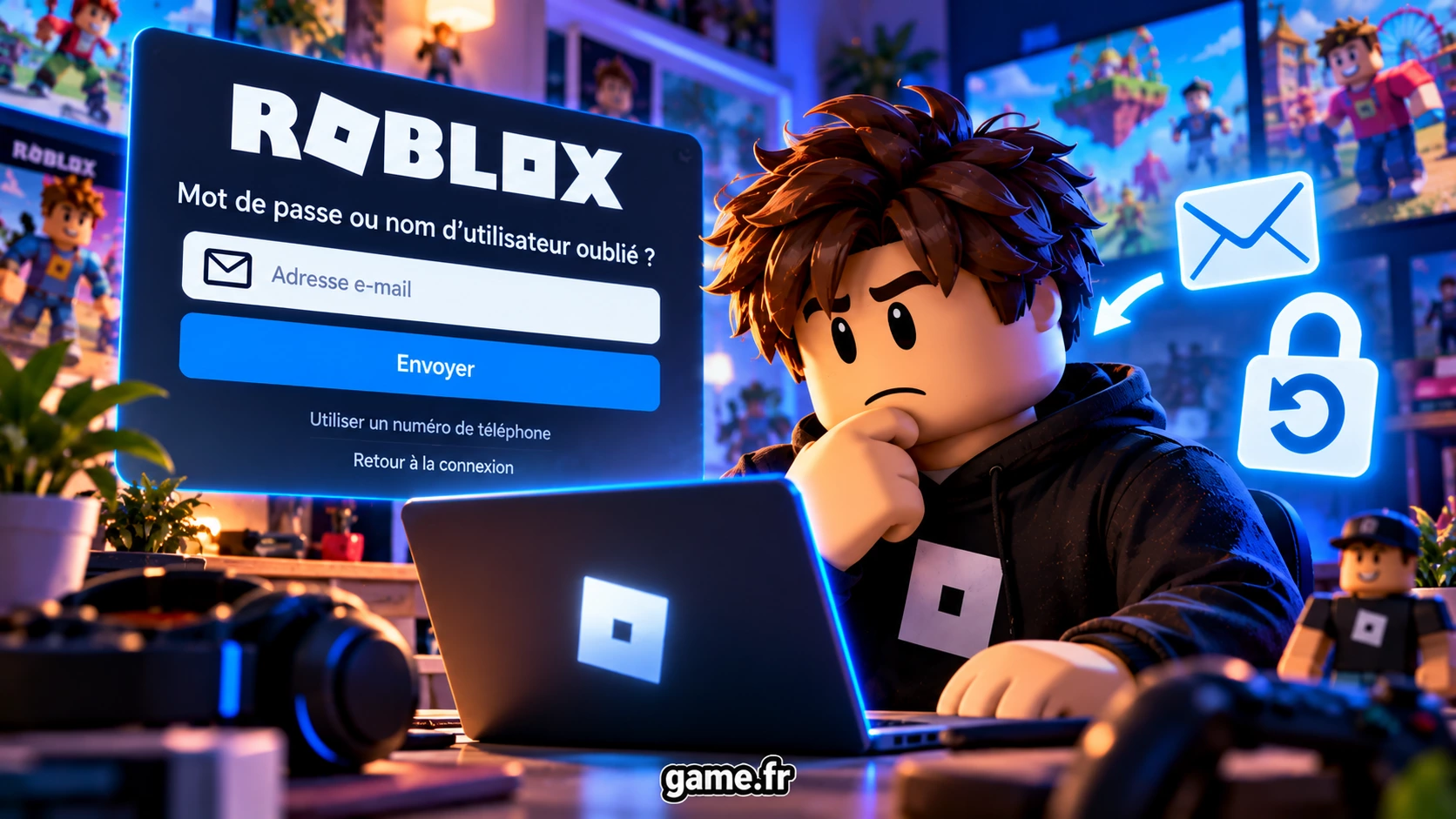
If you have simply forgotten your password, prioritize the official Roblox recovery process.Recovery with an email address
- Open the official Roblox login page.
- Click "Forgot Password or Username?".
- Enter the email address currently associated with the account.
- Check your inbox.
- Open the email sent by Roblox and use the reset button.
- Choose a new password that differs from your old password and those used on your other accounts.
Recovery with a phone number
If no email address is associated with the account but a phone number has been added, Roblox also allows you to use that number:- open the account recovery feature;
- choose the tab that lets you use your phone;
- select your country code;
- enter your number;
- enter the six-digit verification code you received;
- set a new password.
Hacked Roblox account: what should you do immediately?
If you think a third party has taken control of the account, it is important to secure the environment from which you connect first. Changing the password without removing malware or a suspicious extension could allow the attacker to steal your credentials again.
First steps to take:
These steps correspond to the procedure recommended by Roblox for a compromised account: remove potentially dangerous external downloads or extensions, run an antivirus scan, change the password, and then enable two-step verification.
- remove unknown or suspicious browser extensions;
- uninstall programs recently downloaded from questionable sources;
- run a full antivirus scan;
- restart the computer and run another scan if necessary;
- reset the Roblox password;
- also secure the associated email address;
- enable two-step verification.
1. Remove suspicious extensions or programs
A malicious browser extension can be used to steal a session or login information. Remove extensions you do not recognize or those installed after clicking a suspicious link, visiting a supposed Robux generator, or downloading unofficial software. Roblox recommends using only extensions from safe, verified sources.2. Scan your device
Run a full scan with your antivirus or with the security solution built into your system. The goal is to remove any software that could steal your credentials before changing the password.3. Change the Roblox password
Once the device has been checked, choose a password unique to Roblox that you do not use on any other service. If the same password was used for your email address, change your email password as well.Game.fr tip: avoid "Robux generators," executable files, extensions, or Roblox login pages sent by strangers. Connect directly through the official website or app.→ See Roblox's official procedure for a hacked account
Unable to recover the account? Contact Roblox Support
If resetting the password does not work or the hacker has changed the information associated with the account, Roblox recommends contacting its support service. → Contact official Roblox SupportWhat information can prove that the account belongs to you?
According to Roblox, two pieces of information are particularly important:- the first email address added to the account;
- the billing email address used for the very first payment.
What should you include in your support request?
Prepare the following in particular:- your exact Roblox username;
- the first known email address for the account, if you still have access to it;
- the billing address used for the first payment, if applicable;
- a clear description of what happened;
- the approximate date when you noticed the compromise;
- the suspicious changes you noticed;
- the steps you have already taken.
Stolen Robux or items: contact Roblox within 30 days
Important: if Robux or items disappeared following the compromise of your account, Roblox asks you to contact Support within 30 days of the hack if you want to request help.
Roblox states that it does not guarantee returning the account to its previous state or recovering lost virtual items or currency.
In limited circumstances, however, Support may be able to offer recovery of certain lost inventory items or an approximate equivalent value. This is therefore neither automatic nor guaranteed.
The phrase "goodwill gesture" should be avoided: Roblox specifically refers to a limited possibility of recovery in certain compromised-account cases.
Beware of trades outside official systems
Roblox also states that it cannot guarantee or enforce trades and purchases completed outside its official systems. Therefore, avoid transactions offered on websites, servers, or private messages that promise Robux or items in exchange for an external payment or trade.How do you secure your Roblox account after recovery?
Once the account has been recovered, start by enabling two-step verification and preparing a backup method. Also secure the email address associated with the account.Enable two-step verification
Roblox requires a verified email address to enable two-step verification (2SV). Open Account Settings, then the Security tab, choose a method, and follow the instructions. Roblox currently allows only one primary 2SV method to be enabled at a time. Support recommends an authenticator app for a compromised account.Set up additional recovery methods
The limit of one primary 2SV method does not mean that a single backup option is enough: if you lose access to that method, Roblox requires two different registered verification methods to recover the account. The secondary options listed by Roblox are a phone number (from age 13), a passkey, and recovery codes (the latter two options are available at any age). Each recovery code can be used once; generating a new set disables the previous one. See the official instructions on 2SV and recovery.Protect your email address and avoid phishing
Use a different password for Roblox and for the associated email address; never reuse the same password on both services. Do not give anyone your password, 2SV codes, or recovery codes; beware of fake contests, Robux generators, and login pages sent by message. For general advice on scams and account security, also see our complete Roblox guide.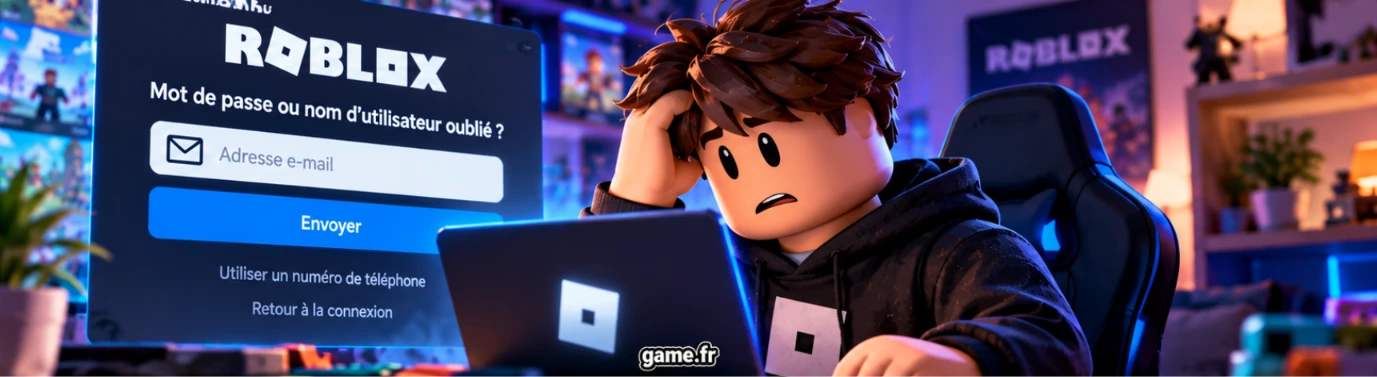
FAQ — Recovering and securing a Roblox account
- How can I recover a Roblox account if I forgot my password?
- Use the "Forgot Password or Username?" feature from the Roblox login page. You can use the email address associated with the account or, if available, the registered phone number.
- What should I do if the hacker changed my Roblox email address?
- Contact Roblox Support. The first email address added to the account remains particularly useful for verifying that you are the original owner, even if the current address has been changed.
- What if I no longer have access to the email or phone linked to the account?
- Automatic recovery may become impossible. Contact Roblox Support so it can try to verify account ownership using the available information. Roblox states that other verification methods may sometimes be considered.
- What information is useful for proving that a Roblox account belongs to me?
- Roblox specifically mentions the first email address added to the account and the billing email address used for the first payment. This information may facilitate verification but does not guarantee recovery.
- Can Roblox recover stolen Robux or items?
- This is not guaranteed. Roblox states that, in limited circumstances, certain lost items or their approximate value may possibly be recovered. The request must be made within 30 days of the account compromise.
- How long does it take to recover a Roblox account?
- Roblox does not publish a universal timeframe guaranteeing recovery within a few days or weeks. The duration depends on the case and the checks required. Therefore, beware of sites that promise immediate recovery.
- Is two-step verification enough to prevent all hacking?
- No. It greatly reduces the risk, but no protection is absolute. You must also protect the associated email address, avoid phishing, use a unique password, and keep secure recovery methods.
- Which Roblox security method should you choose?
- Roblox allows only one primary 2SV method at a time, but requires two different registered methods to recover the account if the primary method is lost. A phone is available from age 13; passkeys and recovery codes are indicated for all ages.
- What should I do if I do not receive my Roblox verification code?
- Check that you are looking at the correct email address, check your spam and promotions folders, then use the option to resend the code. Roblox states that email-delivered 2SV codes expire after 15 minutes.
The right method to remember
If your Roblox account has been hacked, the order of actions matters:- secure your device and remove suspicious extensions or programs;
- reset the Roblox password;
- secure your email address if necessary;
- contact Support promptly if you can no longer recover the account;
- if Robux or items have disappeared, act within 30 days;
- enable two-step verification and set up recovery methods;
- consider a passkey or enhanced protection when these features are available.
More to read on Game.fr
- Roblox: the complete guide to getting started and securing your account
- Roblox 2026: parents' guide to safe and age-appropriate games