Roblox Errors 277 and 279: How to Fix Them in 2026
Roblox errors 277 and 279 can disconnect you from a game or prevent you from joining an experience altogether. Before reinstalling Roblox or changing random settings, it is better to determine whether the issue comes from the Roblox servers, your connection, the firewall or your device.
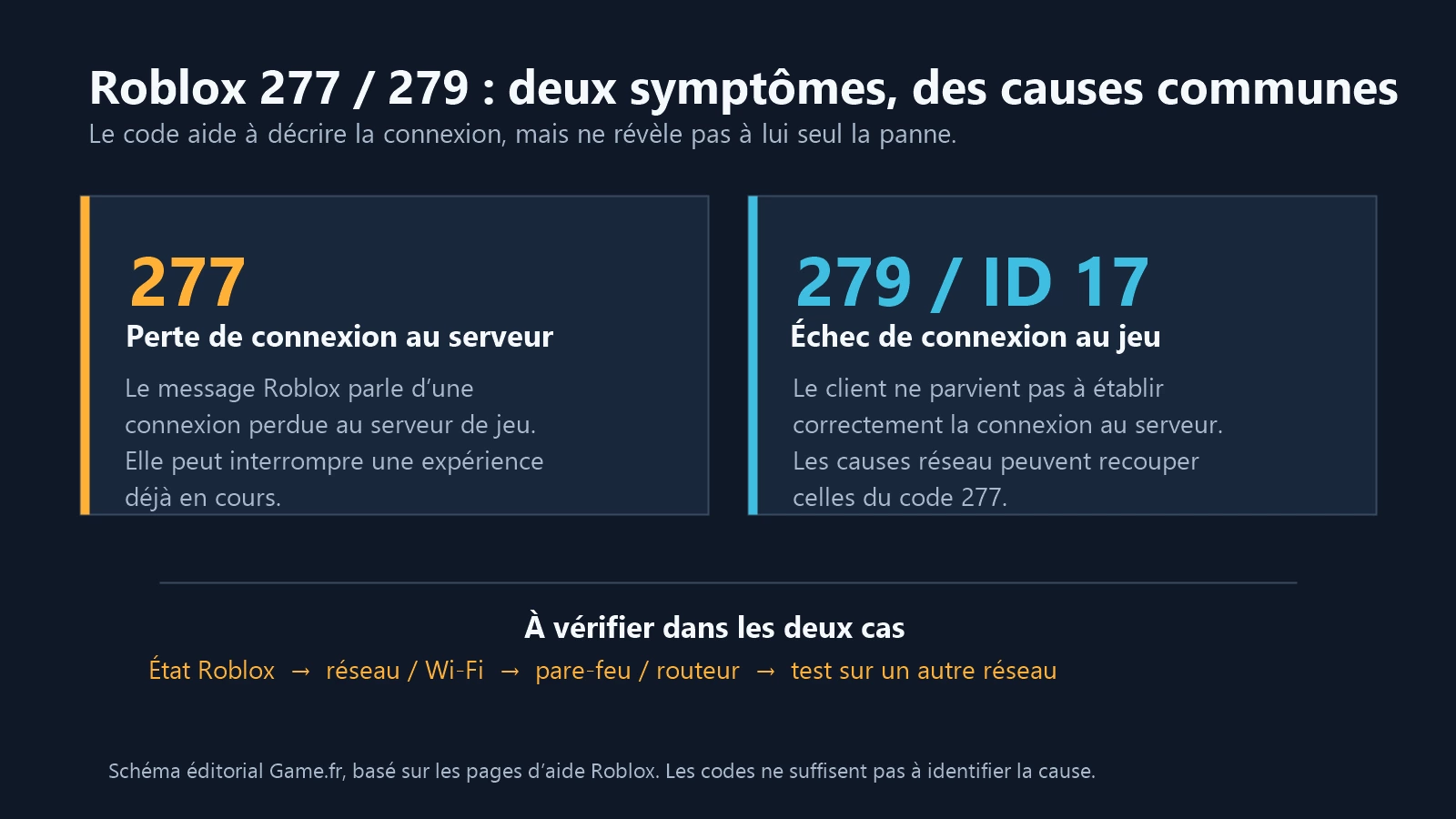
In short: Roblox error 277 generally indicates a lost connection to the game server. Roblox error 279, sometimes accompanied by ID 17, indicates a failed connection to the game. Both codes point to connection problems that may have similar causes; the message helps guide troubleshooting without identifying the origin on its own. In both cases, start by checking the Roblox server status, your Internet connection and any firewall- or network-related blocks.
Understanding errors 277 and 279: Why do they happen?
Key points
| Code | Meaning | Symptom description |
|---|---|---|
| Error 277 | Lost connection to the game server | Connection to the game server lost |
| Error 279 / ID 17 | Failed connection to the server | Failed connection to the game |
Error 277: Lost connection to the server
Error 277 indicates a lost connection to the game server. It can interrupt an ongoing experience, but the code alone cannot determine whether the cause comes from Roblox, the network or the device. Roblox officially describes this code as a lost connection to the game server. Causes can vary: an unstable connection, a temporary issue on Roblox's side, packet loss, poor-quality Wi-Fi or a local network disruption. → See the official Roblox page about error 277Error 279: Failed connection to the game
Error 279, sometimes accompanied by ID 17, indicates that the client was unable to establish a connection to the game. It often appears when attempting to join an experience, although this clue is not enough to determine the cause. The client attempts to join the server, but the connection is not established normally. Roblox officially associates this code with a failed connection to the game. A filtered network, firewall, security software or connection problem may prevent Roblox from communicating properly with its servers. On some school, workplace or public networks, Roblox may also be deliberately restricted. → See the official Roblox page about error 279 / ID 17Common causes to check
These two Roblox errors do not necessarily mean that your PC, phone or console is defective. They mainly indicate that something is preventing your device from communicating normally with the Roblox servers.- Unstable Wi-Fi connection: weak signal, a distant router or interference.
- Disrupted Internet connection: packet loss or temporary outages.
- Firewall or security software: Roblox may be blocked or restricted.
- Router or filtered network: particularly on certain school, workplace or public networks.
- Issue on Roblox's side: maintenance, an outage or a temporary platform problem.
Game.fr tip: Do not start by reinstalling everything. First check the Roblox server status, then restart your connection and device. This eliminates the simplest causes before you change advanced settings.
Quick solutions: 5 checks to perform first
Before changing advanced network settings, start with these five checks. They eliminate the most common causes without unnecessarily disrupting your device.
What to know: code 277 describes a lost connection, while code 279 describes a failed connection to the game. This difference in wording guides the diagnosis, but the causes may overlap. Start by checking the server status and connection quality.
Express checklist, in order
- Check the Roblox server status.Before making any changes, consult the official Roblox Status page. If Roblox reports an outage or an ongoing incident, changing your PC, router or antivirus will probably not help. Wait for the service to be restored, then test again.
- Restart your router and device.Restart your modem or router, then also restart your PC, console, tablet or smartphone. A simple restart can sometimes rebuild the network connection properly and remove a temporary problem.
- Check the firewall and security software.Make sure Roblox is allowed to communicate over the network. If you suspect the firewall, you can disable it only very temporarily to perform a test, then reactivate it immediately. If Roblox works only when protection is disabled, the correct solution is to allow Roblox through the firewall or add it to the exceptions list, not to leave your protection disabled. Roblox also recommends checking that your antivirus is up to date and that the Roblox client is not blocked. → Read Roblox's official firewall and router recommendations
- Clear the Roblox cache.Damaged temporary files can sometimes interfere with the client.
On Windows:
- Close Roblox completely.
- Press Windows + R.
- Enter
%localappdata%\Roblox. - Open the Roblox folder.
- Delete the contents of the Cache folder if it is present.
- Launch Roblox again.
- Test an Ethernet connection or another network.If you play over Wi-Fi, temporarily try an Ethernet cable when possible. You can also test another connection, such as a 4G/5G mobile hotspot. If Roblox works on the second network, the problem probably comes from your usual connection, router or Internet service provider rather than the app itself.
Advanced troubleshooting: When simple solutions fail
If errors 277 or 279 return after these initial checks, you can move on to advanced network settings. The principle remains the same: change one thing at a time, test Roblox, then restore the previous setting if the problem continues.
What to know: At this stage, the goal is not to change every network setting, but to identify precisely which one is preventing Roblox from communicating properly with its servers.
Reset network settings in Windows
Windows includes a feature that can reinstall network adapters and reset their configuration. Depending on your version of Windows:- Open Settings.
- Go to Network & Internet.
- Open the advanced network settings.
- Choose Network reset.
Change the DNS server: for testing only
Changing DNS is sometimes recommended in network troubleshooting guides. It can help test a name-resolution problem or a faulty DNS, but it is not a guaranteed solution to Roblox errors 277 or 279. If you want to perform this test, you can temporarily use a known public DNS, for example:| Service | Primary DNS | Secondary DNS |
|---|---|---|
| Cloudflare | 1.1.1.1 | 1.0.0.1 |
| Google Public DNS | 8.8.8.8 | 8.8.4.4 |
Reinstall Roblox properly
Reinstallation should happen after network checks, not as the first solution. Proceed as follows:- Uninstall Roblox.
- Restart the device.
- Delete any remaining Roblox temporary files.
- Download Roblox again from an official source.
- Reinstall the client.
Game.fr tip: Avoid reinstalling Roblox after every disconnection. If the problem comes from Wi-Fi, the router or the Roblox servers, reinstalling will not change anything.
Check the router and network ports
On a typical home network, you should not normally need to open ports manually. However, a very restrictive router, advanced firewall or school/workplace network may block some communications required by Roblox. Roblox currently states that its client uses the port range UDP 49152 to 65535. Do not open ports at random. First check your firewall or router rules and follow only official recommendations. → See Roblox's official recommendations for connection problemsTest Roblox on another network
This is one of the most useful tests for isolating the cause. For example, try:- a 4G/5G mobile hotspot;
- another Internet router;
- another trusted Wi-Fi network.
FAQ: Your questions about Roblox connection errors
If the previous steps were not enough, these answers can help distinguish a Roblox problem from a local problem. Game.fr tip: Change one setting at a time, then test a Roblox experience. This is the most reliable way to identify the exact cause.- What is the difference between Roblox errors 277 and 279?
- Code 277 indicates a lost connection to the game server; code 279 / ID 17 indicates a failed connection to the game. These messages describe different symptoms, but they are not enough on their own to identify the cause, which may be related to the network, device or Roblox.
- Could these errors come from my Internet service provider?
- Yes. A temporary routing, stability or connection problem with your provider can cause connection errors. To check, test Roblox on another network, such as a mobile hotspot.
- Can changing DNS fix Roblox error 277 or 279?
- It can be useful as a test if your current DNS is experiencing a problem, but it is not a guaranteed solution. Errors 277 and 279 can also come from Wi-Fi, the firewall, the router or the Roblox servers.
- Can using a VPN help?
- A VPN can sometimes help diagnose a routing problem, but it is not a default recommended solution. If it temporarily fixes the problem, your usual network path may be responsible. Avoid unknown or unreliable free VPNs.
- How can I tell whether the problem comes from Roblox or from me?
- Start by checking Roblox Status. Then test several Roblox experiences and, if possible, another network. If many players are experiencing the same problem at the same time, a Roblox incident is likely. If only your device or connection is affected, look instead at the local network, firewall or router.
- Is error 277 a ban?
- No. Error 277 corresponds to a lost connection to the server. A ban or account sanction normally uses a specific message and should not be confused with a simple network disconnection.
- Do I need to uninstall Roblox to fix error 279?
- Not immediately. First check the server status, your connection, the firewall and the network. Reinstallation is relevant only if the other checks produce no result.
- Why does Roblox work on 4G/5G but not on my Wi-Fi?
- If Roblox works correctly through a mobile hotspot but fails on your usual Wi-Fi, this generally indicates a problem with the router, local network, firewall or Internet service provider.