An incompatible processor, a graphics card that does not fit in the case or a poorly chosen power supply: some mistakes can cost several hundred euros when building a gaming PC. Assembling your own machine lets you choose your components and control your budget, provided you check their compatibility before ordering.
The trap? Two components may seem perfectly suited on paper without being compatible in practice. Before placing your order, here are seven common mistakes to avoid when building a balanced, upgradeable machine capable of supporting several years of gaming.
Mistakes to spot before buying
Concrete consequences of five common mistakes when choosing components.
Mistake
Consequence
Wrong CPU socket
Processor cannot be installed on the motherboard
DDR4 for a DDR5 motherboard
Memory modules are incompatible with the slots
GPU longer than the available space
Graphics card cannot be installed in the case
Unsuitable power supply
Missing connectors or possible instability
Undersized SSD
Storage space quickly becomes full
1. Choosing a motherboard that is incompatible with your processor
The first mistake can prevent the PC from starting even before Windows is installed. The motherboard determines, among other things, which processors and types of memory can be used. Before selecting a gaming motherboard, it is essential to check the socket, chipset and compatible BIOS versions.
In 2026, several platforms coexist. AMD Ryzen processors designed for the AM5 socket require a compatible motherboard, while Intel Core Ultra 200S processors notably use the LGA1851 socket and compatible 800-series chipsets. An older Intel LGA1700 motherboard therefore cannot directly accommodate an LGA1851 processor. Intel confirms this incompatibility.
Concrete example: buying an Intel Core Ultra 7 265K with a Z790 motherboard. Despite both components being positioned as high-end products, the LGA1851 processor cannot be installed on this LGA1700 motherboard; you need to choose a motherboard compatible with the Core Ultra 200S series.
Sharing the same socket does not automatically guarantee that the system will start either. An AM5 600-series motherboard bought with a Ryzen 9000 may require a newer BIOS. AMD specifies this for its AM5 platforms and explains that a BIOS that does not recognize the processor can prevent the PC from starting.
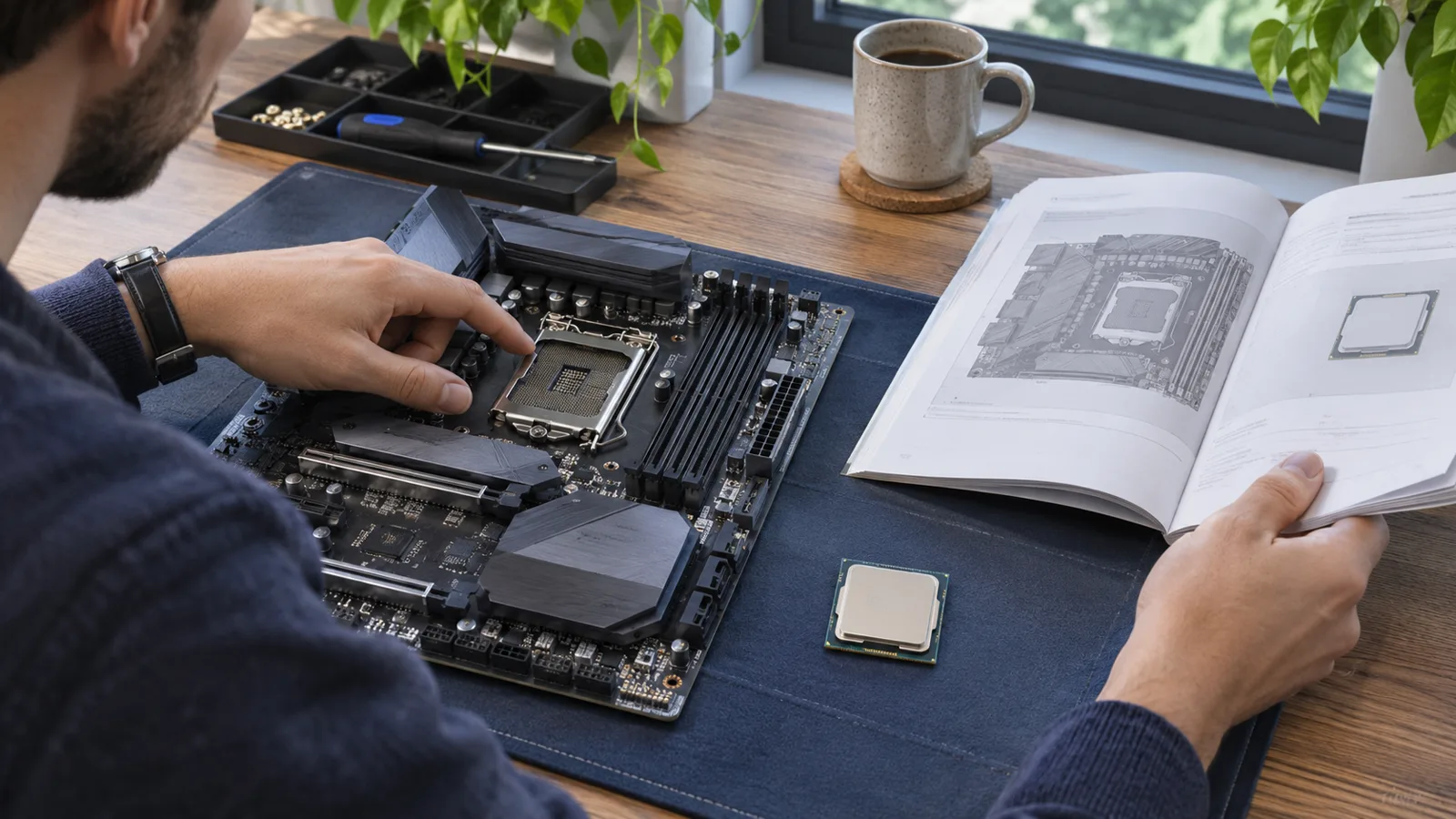
The right approach: check the official list of processors supported by the motherboard, along with the minimum required BIOS version, before buying anything.
Check the socket and list of compatible processors before buying. Illustration created for Game.fr.
2. Buying RAM without checking compatibility
RAM may seem simple to choose. Yet mistakes remain common, particularly between DDR4 and DDR5.
These two generations are not interchangeable. A motherboard equipped with DDR4 slots does not accept DDR5 modules, even if they look similar. Concrete example: buying a DDR4 kit for a Ryzen configuration using an AM5 motherboard. The AM5 platform uses DDR5: DDR4 modules cannot be installed in its slots. You should also monitor the advertised frequencies and memory profiles such as Intel XMP or AMD EXPO.
For a PC mainly intended for recent games, 32 GB of RAM is a comfortable starting point, particularly if several applications remain open in the background. This does not mean that 16 GB is unusable: requirements depend on the games, their settings and additional activities.
Another trap involves mixed kits. Two sets of modules sold separately do not guarantee the same behavior as a kit tested together.
The right approach: favor a consistent kit, check the manufacturer's recommendations and consult its QVL where possible.
3. Spending your entire budget on the processor
A high-end processor does not guarantee the best performance in every game. The experience also depends on the graphics card, resolution and desired smoothness.
At 1080p with a very high-refresh-rate display, processor performance can play an important role. At 1440p or 4K, the graphics workload often becomes more significant, especially with demanding settings or ray tracing.
Buying the most expensive processor while keeping an insufficient graphics card can therefore result in an unbalanced configuration.
The opposite is also possible: a very powerful graphics card paired with an underpowered processor may not reach its full potential in some games.
The right approach: first choose a target resolution, graphics quality level and desired frame rate. Then distribute the budget between the CPU and GPU according to these goals. Our 2026 gaming setup guide helps connect this choice to the monitor and the other elements of your gaming station.
4. Underestimating the power supply
The power supply is rarely the most exciting component in a gaming PC. Yet it determines the system's stability and electrical safety.
A common mistake is choosing a power supply solely according to its stated wattage, without examining its quality, protections or connectors.
The required wattage depends on the actual power consumption of the processor, graphics card and other components. You should also allow a reasonable margin, without automatically buying a significantly oversized model.
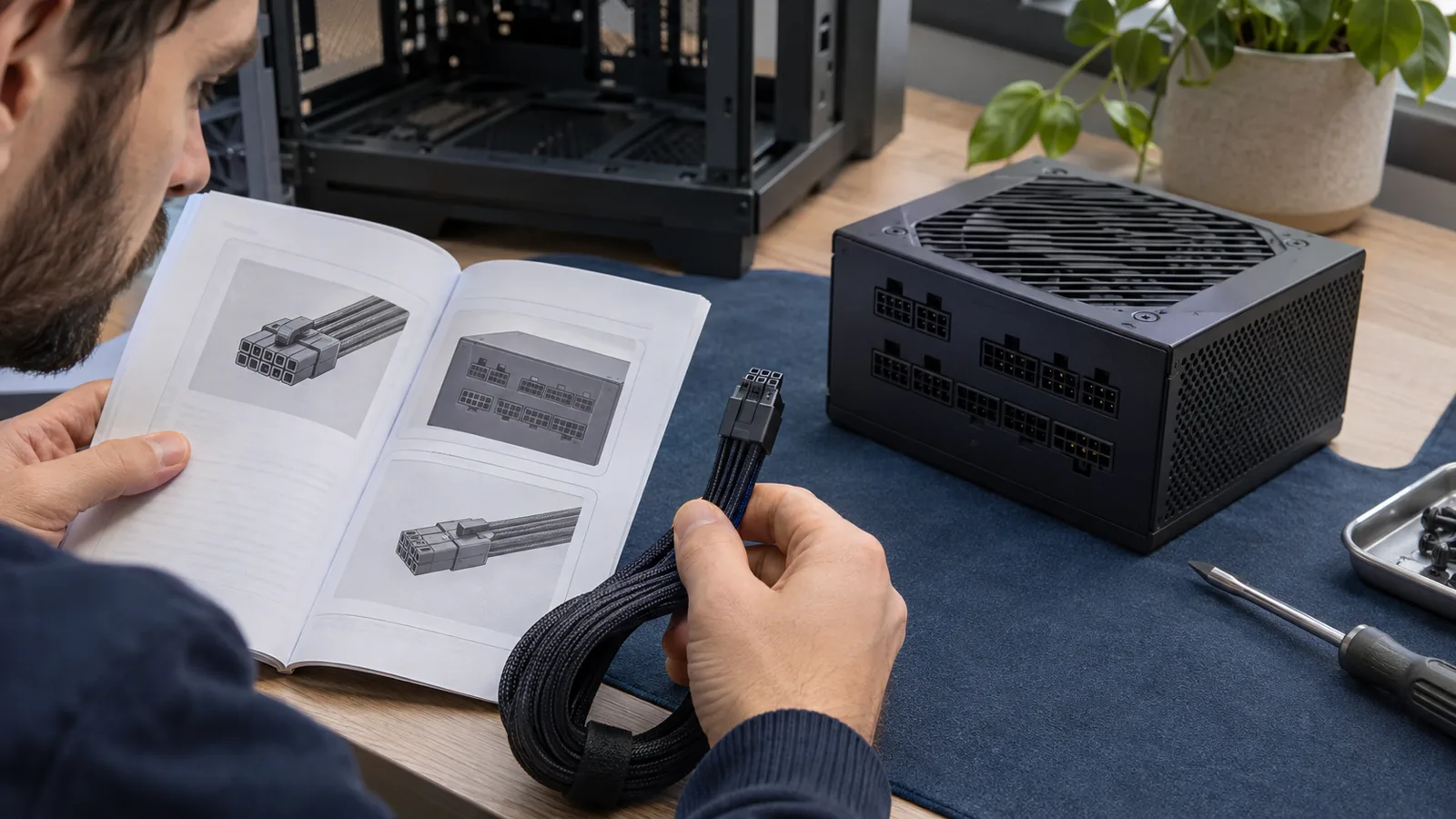
Some graphics cards use specific connectors, including 12V-2x6. It is essential to check cable compatibility and follow the manufacturer's connection instructions. The Seasonic compatibility guide details the 12V-2x6 cables for its power supplies and reminds users not to mix modular cables from different brands.
The 80 PLUS certification indicates energy efficiency, but alone does not guarantee overall quality.
The right approach: consult the graphics card manufacturer's recommendations and choose a reputable power supply with the appropriate protections and connectors.
GPU connectors and modular cables must match the power supply model. Illustration created for Game.fr.
5. Underestimating cooling and case dimensions
A gaming PC can have excellent components and still suffer from high temperatures.
Insufficient cooling can lead to more noise, automatic frequency throttling or less consistent performance during long sessions.
Before choosing an air cooler or liquid cooling system, you need to check its socket compatibility, heat-dissipation capacity and, above all, its size.
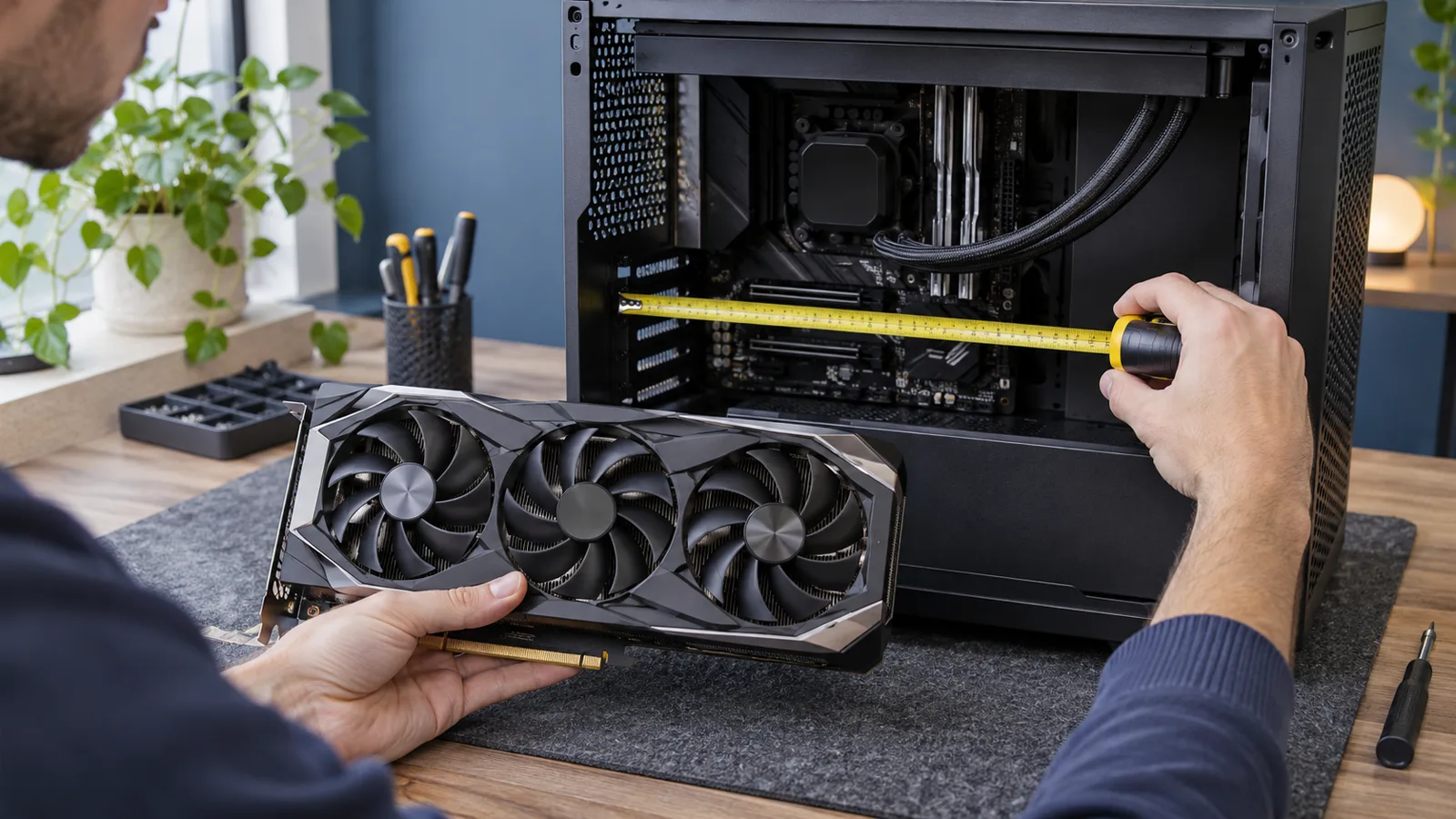
The same problem applies to the case: some large graphics cards do not fit in every model. Example of dimensions to compare: if the case leaves 320 mm for the graphics card after the fans are installed and the chosen model measures 340 mm, there is a 20 mm shortfall: the GPU will not fit. These figures illustrate the calculation; check the actual dimensions on both of your products' specifications. Available length, GPU thickness and fan placement must all be checked.
To improve airflow, it is generally useful to combine air intakes at the front or bottom with exhaust at the rear or top, depending on the case design.
The right approach: compare the exact dimensions of each component with the case specifications. A well-ventilated PC does not necessarily need expensive liquid cooling.
Compare the GPU's length with the space actually available in the case. Illustration created for Game.fr.
6. Choosing an SSD solely for its advertised speeds
On specification sheets, some SSDs advertise impressive transfer rates. But maximum sequential speed does not tell the whole story.
In many games, loading-time differences between two good NVMe SSDs may be less spectacular than their theoretical performance suggests.
The choice should also take capacity, reliability, warranty and the available motherboard slots into account.
A 1 TB SSD can be a suitable starting point for a gaming configuration, but large game installations, updates and video captures can quickly fill the available space.
A 2 TB model may therefore provide more comfort if the budget allows.
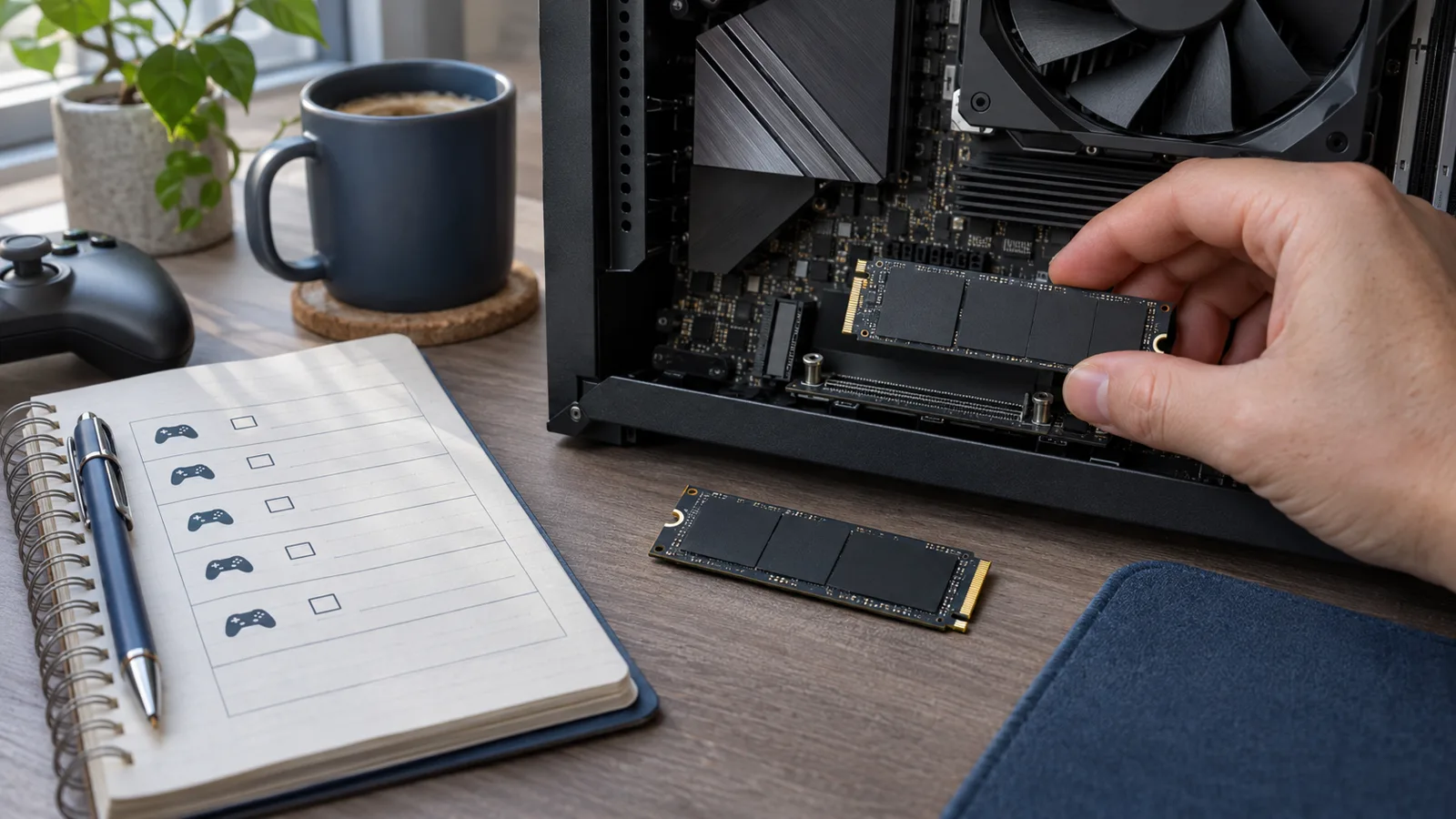
Also pay attention to compatibility: not all M.2 connectors necessarily support the same interfaces or speeds.
The right approach: prioritize an SSD suited to your actual use and check the precise specifications of the M.2 ports before paying more for the maximum advertised performance.
SSD capacity and the M.2 interface must be checked before buying. Illustration created for Game.fr.
7. Forgetting about future upgrade options
A gaming PC should not be judged only by its performance on the day of purchase. Its ability to evolve can also affect its total cost of ownership over several years.
A motherboard with too few connectivity options can make it harder to add storage. A power supply without sufficient headroom can become an obstacle when replacing the graphics card. And a very compact case can limit the choice of future components.
However, you should avoid confusing upgradability with unnecessary spending. Buying a very expensive motherboard in the hope of hypothetical upgrades is not necessarily a good decision. If your budget is particularly tight, our guide to a gaming setup under €500 details the compromises to anticipate.
The key is to identify the upgrades that are genuinely realistic: adding RAM, installing a second SSD, replacing the GPU or, if the platform allows it, upgrading the processor.
The BIOS also deserves particular attention. A model offering a processor-free update procedure can simplify certain upgrades, but this feature is not available on every motherboard.
The right approach: anticipate one or two realistic upgrades rather than immediately paying for features that may never be used.
Essential checks before placing your order
Before checking out, it is better to spend a few minutes on one final check:
Compatible socket, chipset, processor and BIOS version.
Suitable RAM type, capacity and number of modules.
Graphics card suited to the target resolution and games.
Power supply with sufficient capacity and appropriate connectors.
Case, GPU and cooling-system dimensions checked.
SSD capacity and M.2 connectivity suited to your needs.
Upgrade options consistent with the budget.
FAQ: Building a gaming PC in 2026
Can you build a gaming PC without experience?
Yes, by following the manuals for the motherboard, case and power supply and checking compatibility before buying. Taking your time mainly helps avoid connection and assembly mistakes.
How much RAM do you need for gaming in 2026?
16 GB may still be suitable depending on the games and use cases. 32 GB provides more comfort for recent titles, multitasking and a configuration designed to last.
How can you check that all a PC's components are compatible?
Compare the socket and list of CPUs supported by the motherboard, the BIOS version, the RAM type, the case and GPU dimensions, and the power supply's capacity and connectors. Use the manufacturers' specifications for exact references.
A successful gaming PC is not necessarily the one that brings together the most expensive components. It is the one that avoids incompatibilities, puts money toward genuinely useful performance and remains enjoyable to use over time.
The best build therefore starts before the screwdriver: with a careful selection of components that actually work together.